
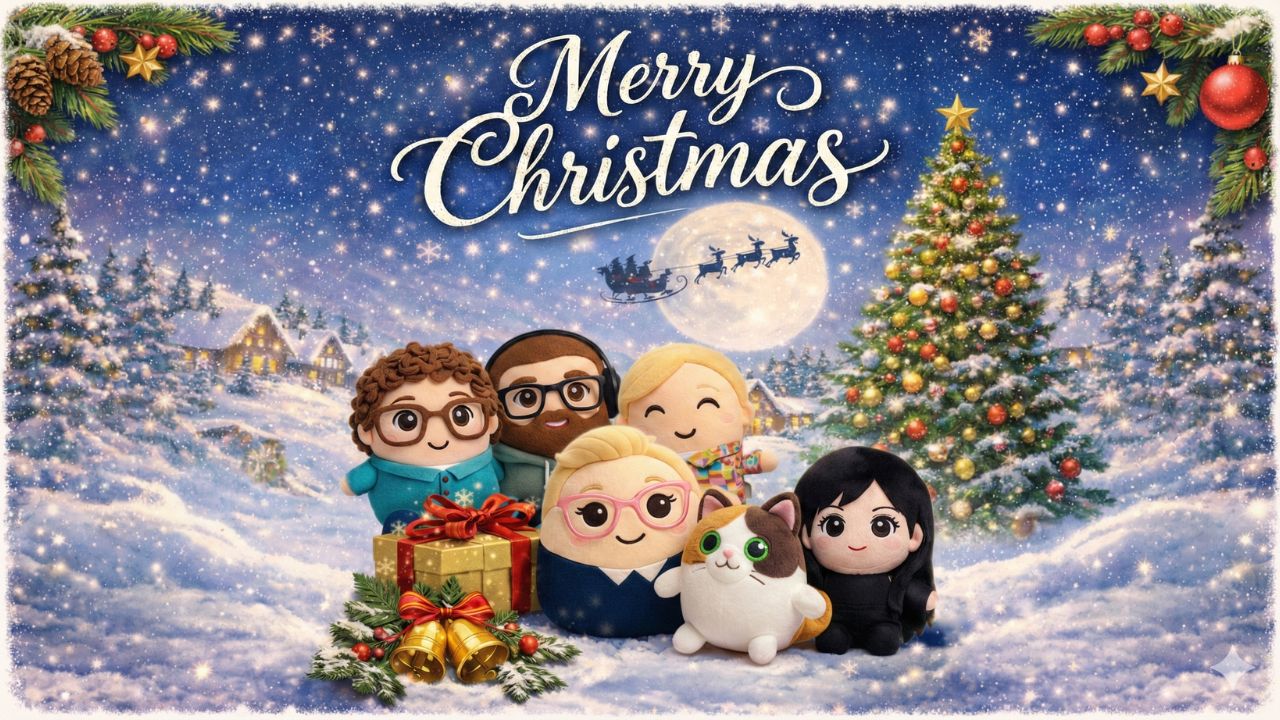
How to Use AI for a Smarter, Happier Christmas
Hi Friends,
Let’s be real for a second the holidays are magical, AND they can be incredibly loud, busy, and emotionally complicated. Between the shopping lists, the cooking, and the social calendar, it’s easy to feel like you’re just surviving the season rather than enjoying it.
This year, I want to show you how AI can help you stress less about the details so you can actually be present for the good stuff. Think of it as your digital holiday elf.
Here is how you can use AI to support your holiday planning in practical, real ways.
🎁 AI for Thoughtful Gift Giving
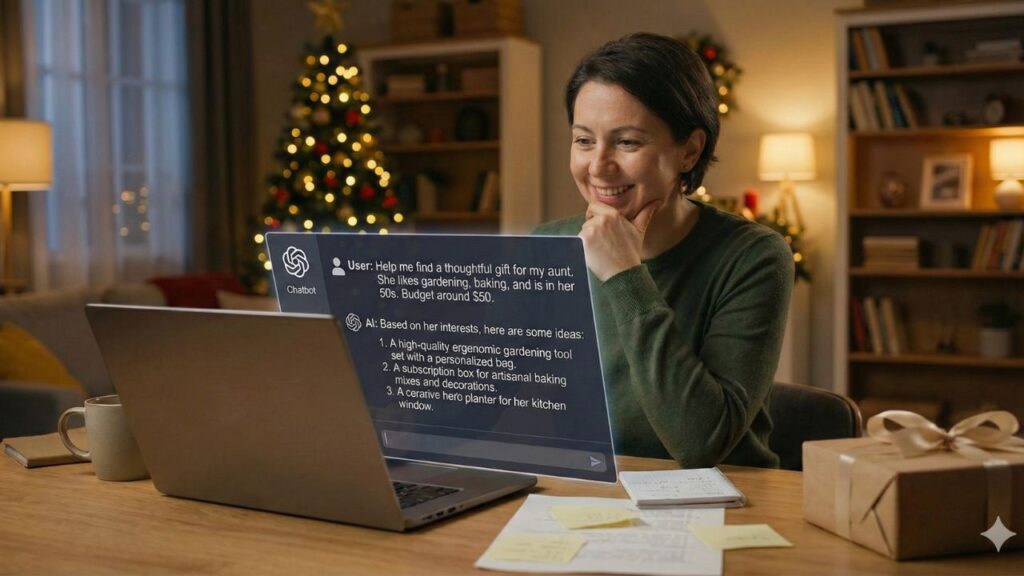
We’ve all been there: staring at a blank screen, wondering what to buy for that one relative who has everything. Instead of panic-buying a generic candle, use AI to brainstorm.
You can ask it to generate personalized gift ideas based on interests, age, and budget. It’s also great for comparing products or summarizing reviews so you don’t have to read through 500 comments.
Try this prompt:
“Suggest Christmas gift ideas for a 35-year-old who loves coffee, travel, and minimal design with a budget of $50 to $100.”
Or you could create a custom song using Suno or some fun images that you can turn into cards or ornaments with Google’s Nano Banana.
✉️ Cards and Messages that Sound Like You
Writing holiday cards is lovely, but writing the same message 40 times? That feels like a chore.
AI can help you draft heartfelt cards that actually sound warm and human. It’s perfect for adjusting the tone depending on who you are writing to whether it’s a professional note for a client or a funny text for your group chat. It can even translate greetings if you have family overseas.
You provide the sentiment; AI can help you find the words faster.

🧑🍳 Group Meals with Ease
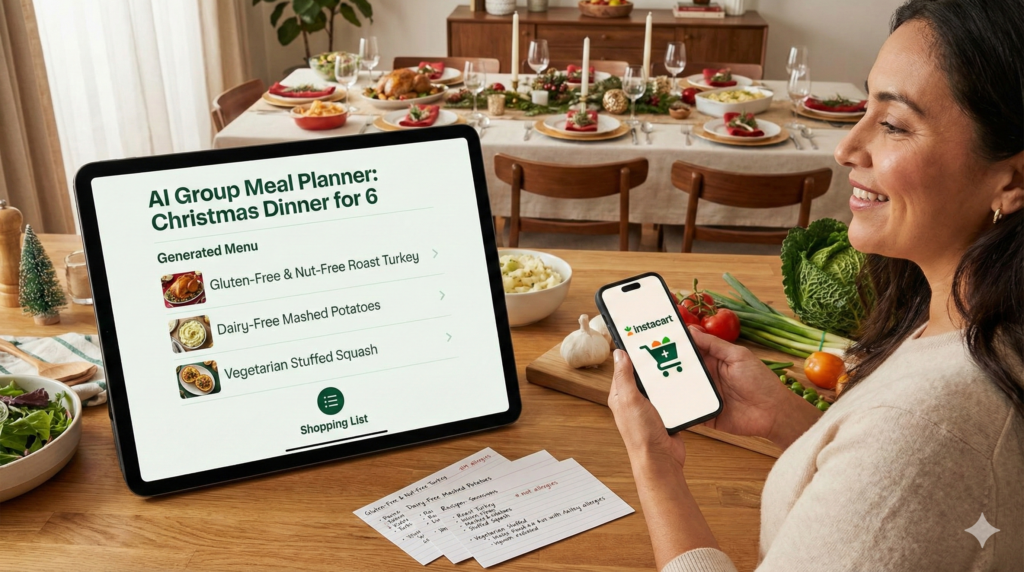
If you are hosting, the meal planning logistics can be a nightmare, especially if you have a family like mine with so many dietary issues. Use AI to create menus that respect everyone’s dietary needs without you having to do complex math or second guessing.
You can ask it to adjust recipes for smaller or larger groups, flag common allergens, and adapt dishes for food sensitivities like gluten, dairy, nuts, or shellfish. It can also suggest safe ingredient swaps if someone has an allergy or if the store is out of a key item.
My favorite part is that it can automatically generate a categorized shopping list, and even note which ingredients are allergy sensitive so you can double check labels while shopping.
Try this prompt:
“Create a Christmas dinner menu for 6 people that is simple, festive, includes one vegetarian dish, and avoids common allergens like nuts and shellfish. Include substitution options for dairy and gluten, and generate a categorized shopping list.”
or “What appetizers work that are nightshade free, gluten free, and dairy free.”
You can even connect ChatGPT to Instacart and it’ll load up your cart with the ingredients and deliver to you or to your destination!
📅 Managing the Mental Load
The holidays come with a lot of invisible labor. Use AI to draft packing lists for your winter trip, plan your budget, or create a realistic schedule for your shopping days. Offloading the logistics means less mental load for you. Studies show that you can get emotional relief by speaking your stresses to AI. Don’t be shy…chat away!
Tutorial: How to Create Your Own Christmas Card
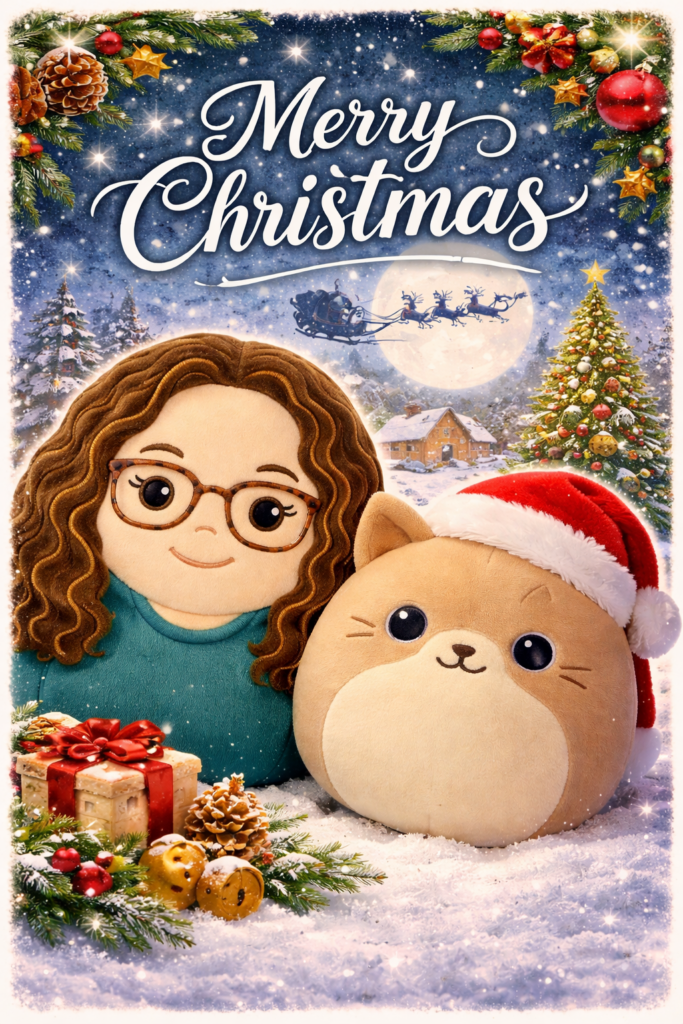
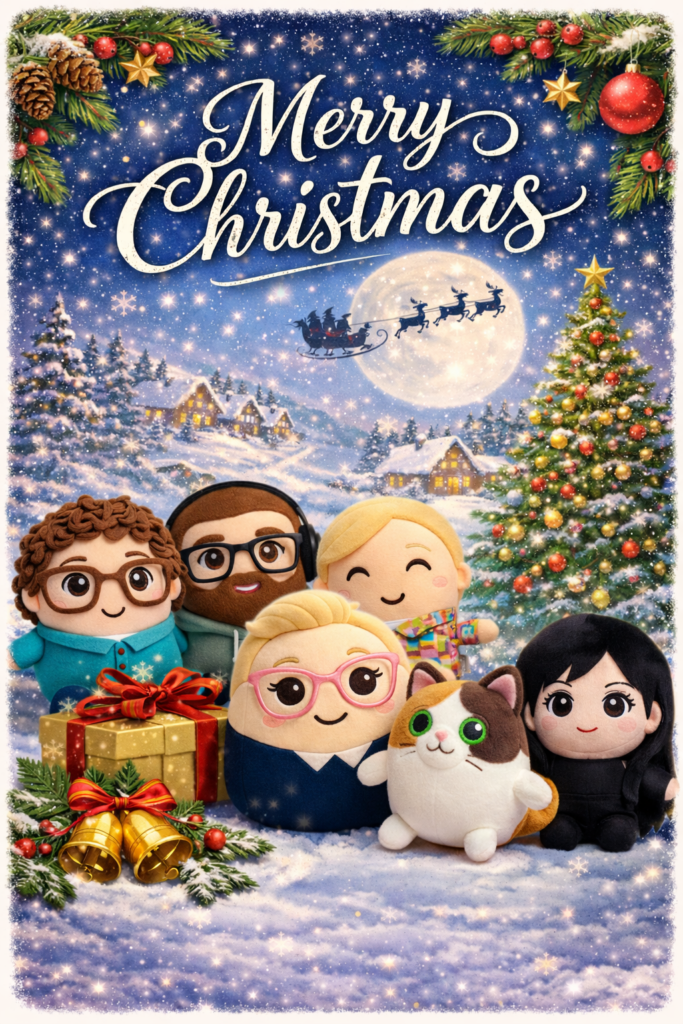
Want to get creative? You can design your own custom holiday cards right inside ChatGPT. It’s easier than you think.
Here is the simplest way to do it:
Option 1: Create a card from a photo
- Start a new chat.
- Click the image upload button (the paperclip icon) and upload your family photo.
- In the message box, ask for what you want. For example: “Turn this photo into a warm, elegant Christmas card with soft lighting, subtle holiday decor, and a short greeting.”
Option 2: Create a card from scratch
- Start a new chat.
- Describe the card in detail. Think about the style (elegant, cozy, playful), the colors (red and gold, neutral winter tones), and the elements (snow, lights, typography).
- Send the prompt. For example: “Create a modern, illustrative Christmas card featuring a snowy cabin, pastel colors, and the text ‘Warm Holiday Wishes’.”
Why do the images show up on the left?
You might notice that when ChatGPT generates an image, it pops up on the left side of the chat, while the text is on the right. This layout is just there to help you quickly spot your visual outputs versus the text conversation.
A quick tip for better results:
Be specific about the lighting and mood. Asking for “cinematic lighting” or a “watercolour style” makes a huge difference. If you don’t like the first result, just ask for a revision like “make it warmer” or “remove the text.”
Give it a try this week!
If you have a prompt idea but aren’t sure how to phrase it, ask AI to help you!
Happy Holidays!
-Nicole Donnelly & The AI Smart Ventures Team
Founder, AI Smart Ventures